1 month
$24.99
30 days of access
Register
Live TV, movies and series.
30 days for $24.99.

Browse movies, live sports and family entertainment.
Included in your OTG plan
Follow live sport and news, or choose a movie or series to watch on demand.
Choose a film or start a series.

Follow the game live.

Pick a movie to watch with the kids.
Included with every plan

Use a compatible TV, streaming device, phone, or computer. Follow the setup guide for your player.

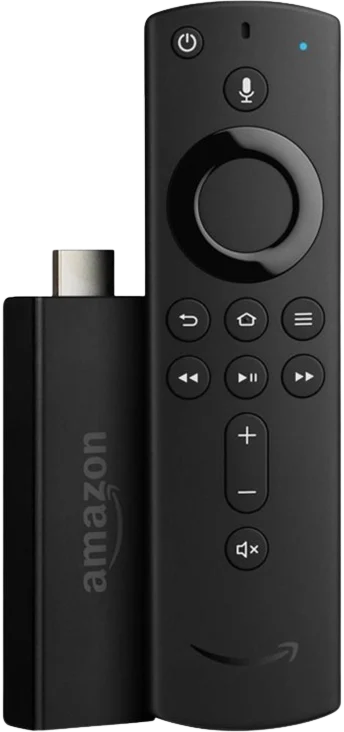
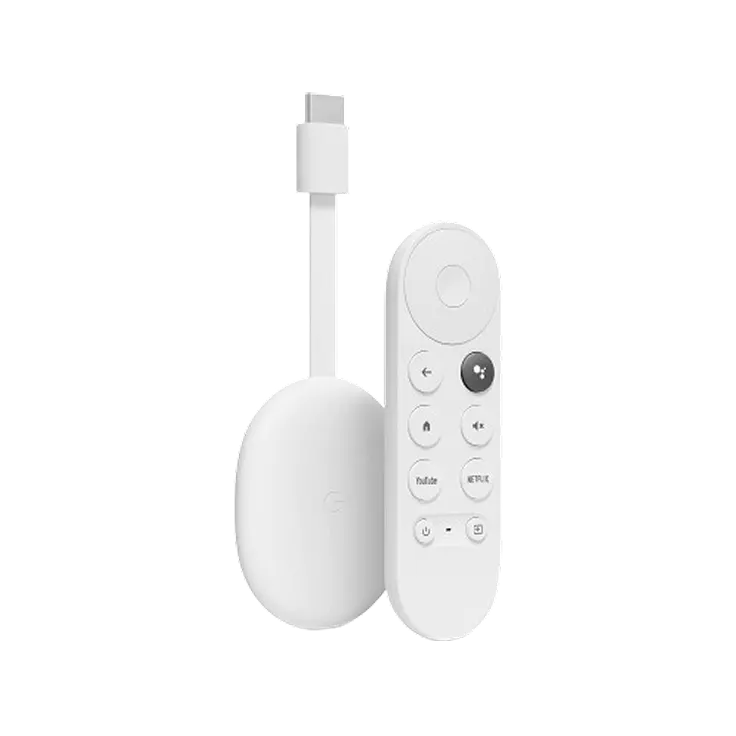
Supported platforms


Plans & pricing
Choose 30, 90, 180, or 365 days. Each plan includes the same channels and on-demand library.
$24.99
30 days of access
Register$51.99
90 days of access
Register$89.99
180 days of access
Register$159.99
365 days · Paid annually
RegisterEach price covers the full period shown. Choose a plan to return to the registration form. Confirm your plan and payment after phone verification.
Billing & renewal termsGetting started
Start with the form on this page. Then verify your phone, confirm your plan and set up your player.
Fill in the form above and complete the security check. Continue to OTG to verify your phone number.
Confirm your subscription period in OTG. Check the total and renewal terms before you pay.
Add your OTG viewing details to a compatible player. Use the phone guides below or contact support.
Use your existing account to manage your plan and renew.
Ways to pay
Check the payment options in your OTG account. To pay with Cash App, Apple Pay, or Google Pay, ask OTG support for a payment link.
Register before you pay


Review the total and renewal terms in OTG before you pay.
iOS & Android guides
Install Playberry, then use your OTG playlist link to load your channels.
Phones & tablets
Install Playberry from Google Play.
Finish your OTG account setup, then copy your playlist link (M3U).
Open Playberry’s playlist or login option and paste the full link.
Requires iOS 18.0 or iPadOS 18.0 and later
Install Playberry from the App Store.
Finish your OTG account setup, then copy your playlist link (M3U).
Open Playberry’s playlist or login option and paste the full link.
You need an active OTG subscription to watch through Playberry.
Full OTG setup guideRegister through the form above. For an existing subscription, use the renewal login.
Go to registrationLog in to your existing OTG account to manage your subscription and renew. You can keep the same account.
You get 4,000 HD channels, over 5,000 on-demand movies and shows, and support for up to five devices per user. The subscription periods are 30, 90, 180, and 365 days.
Start with the registration form, then verify your phone with OTG. Check the payment options in your OTG account. For Cash App, Apple Pay, or Google Pay, ask OTG support for a payment link. Review the total and renewal terms before you pay.
OTG’s published terms state that subscriptions renew automatically. Review your billing cycle and cancellation details in your account and the Terms & Conditions before subscribing.
Look for OTG’s setup instructions in your email or SMS. Check your email’s spam folder if they haven’t arrived. Contact OTG support for help with your credentials or player.
Start with your details.
Confirm your plan after phone verification.